Free event pages: Your event, one link away.
Mela gives every host a free event page: one link with the date, the place on a map, a cover and an RSVP button, for events anywhere in Nepal.
Free for every host and guest.
Overview
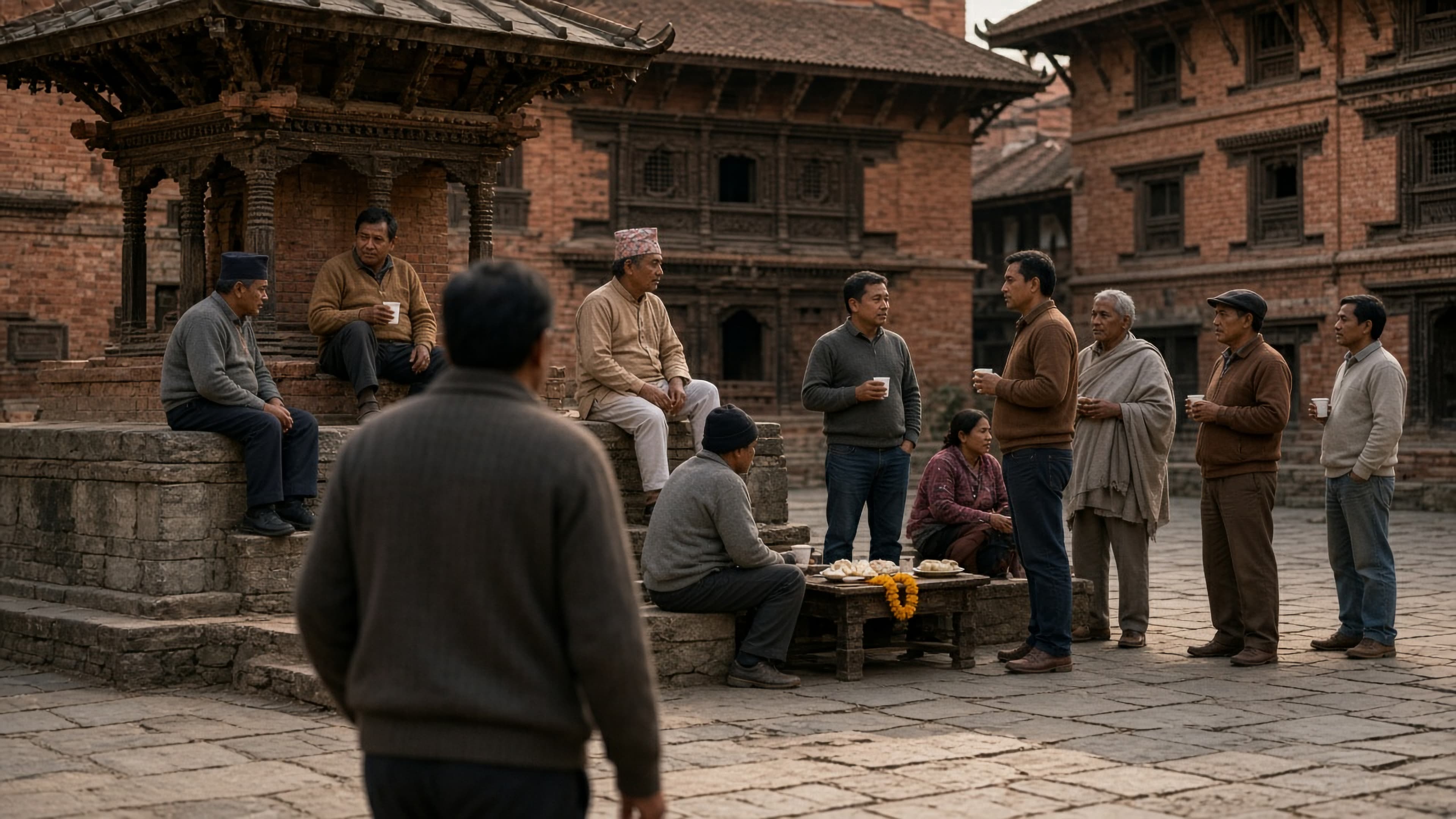
Evening chiya in Patan, a meetup in Kathmandu, a workshop in Pokhara, a festival in Bhaktapur. Every event starts with a name, a time and a place. Mela turns them into a page anyone can open from any phone, without installing anything first.
How it works
- 1
Add the details
A name, a start and end time, a place pinned on the map, a cover and a description.
- 2
Choose who can see it
Public events can appear on Explore and their city’s page. Private events open only for people with the link.
- 3
Share one link
Send it to group chats, put it in your stories, or invite people by email or text message from your contacts.
One link does the talking.
Paste it into Viber, WhatsApp or your Instagram story. Guests see the date, the place on a map and the details, then RSVP in a tap. You can also pick people from your contacts and Mela sends each one an invite by email, text message or both.
Looks right wherever it’s shared.
Every event link carries its own preview card: the cover, the name, the date and place, and an RSVP button. It’s what people see in WhatsApp, Facebook, X, LinkedIn, Telegram and iMessage before they even tap. No cover? The card uses a photo of the event’s city instead.
Public, or just for the people you ask.
Public events can be found on Explore and on city pages like Kathmandu and Pokhara. Private events stay off every list. Either way, you can keep the exact address for guests you’ve approved, so a house party’s location isn’t on the open web.
Ask what you need to know.
Name and email come with every RSVP. Add your own questions on top: a choice of options, a phone number, social handles, a company, or terms guests sign by typing their name.
Also included
Times that make sense
Every event shows its times in its own time zone: Nepal Time (NPT, GMT+5:45) for events in Nepal.
Hosts and Pages
Add co-hosts, or host from your organisation’s Page so every admin can manage the event.
Changes reach everyone
Move the time or the venue and Mela tells every guest by push notification and email.
Free event pages, in short.
- Creating an event page on Mela is free.
- Each event has one link that works on the web and in the Mela app.
- Public events can be listed on Explore and on city pages across Nepal.
- If the time or place changes, Mela tells every guest by push notification and email.
- A cancelled event’s link still opens, so guests see that it was called off.
Questions, answered.
Still unsure? Make a test event: it’s free, and you can keep it private.
Yes. Making an event page on Mela, sharing its link and taking RSVPs is free for every host.
No. An event page opens in any browser. Guests sign in with a free Mela account to RSVP, and can use the web or the app.
Yes. A private event isn’t listed on Explore or city pages; only people with the link can open it. You can also show the exact address only to approved guests.
Mela notifies every guest by push notification and email when an event’s time or location changes.
Yes. Add co-hosts to an event, or host it from a Page so every admin of the Page can manage it.
More ways Mela helps you host
- RSVPs and waitlistsGuest limits, approvals and a waitlist that moves up by itself.Learn more
- QR code check-inScan guests in at the door with your phone’s camera.Learn more
- Guest group chatOne chat for everyone going, without swapping numbers.Learn more
- AnnouncementsUpdates for your guests, sent to the right people.Learn more
- Event photosGuests find the photos they’re in with one selfie.Learn more
Host your next event on Mela.
Free for every host. Create an event, send one link, and see who’s coming.