Event photos: Every photo you’re in. One selfie away.
Mela’s Event photos lets hosts upload an event’s photos and each guest who is going take a quick selfie (or choose a photo) to see only the photos they’re in, with only one face accepted per event. The selfie photo isn’t kept unless the guest chooses to keep it.
Free for every host and guest.
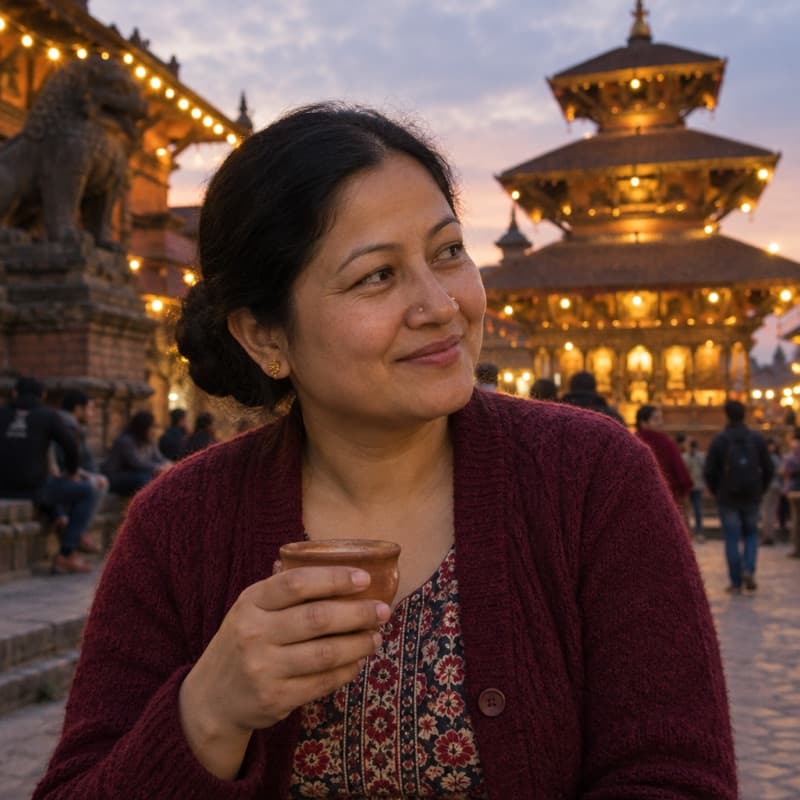
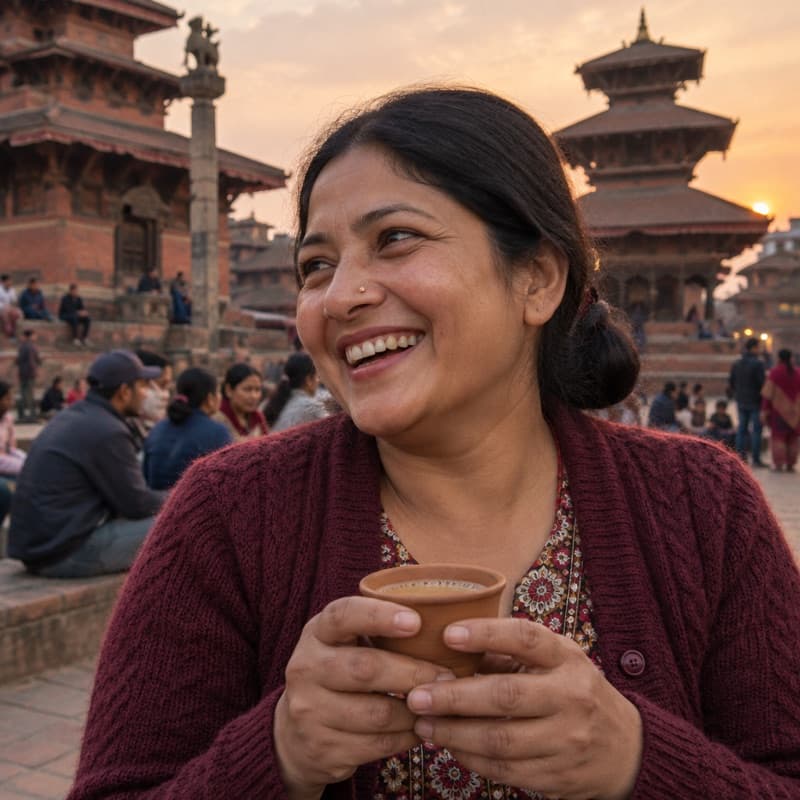
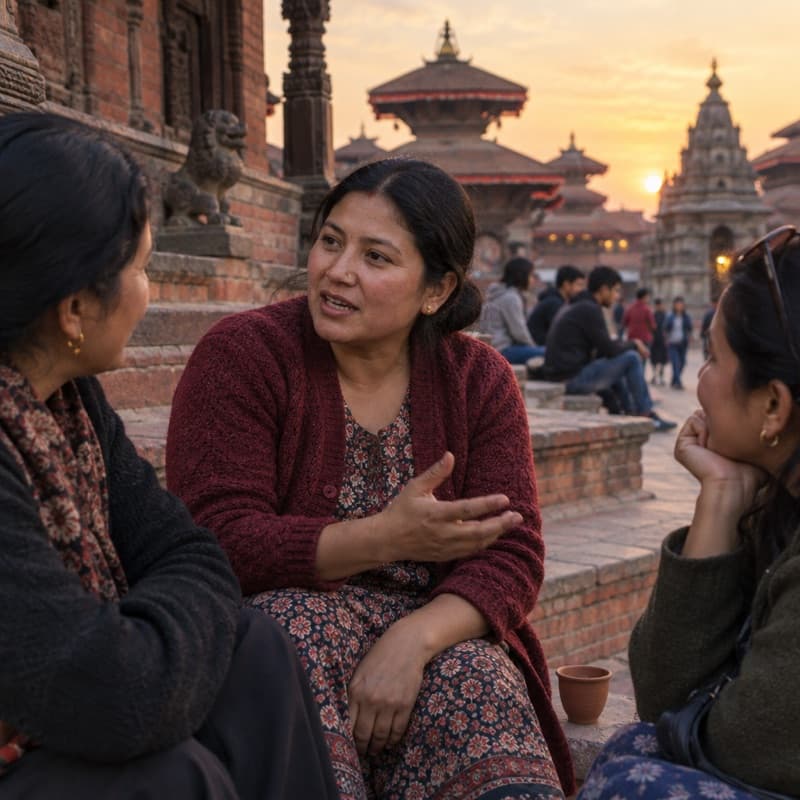
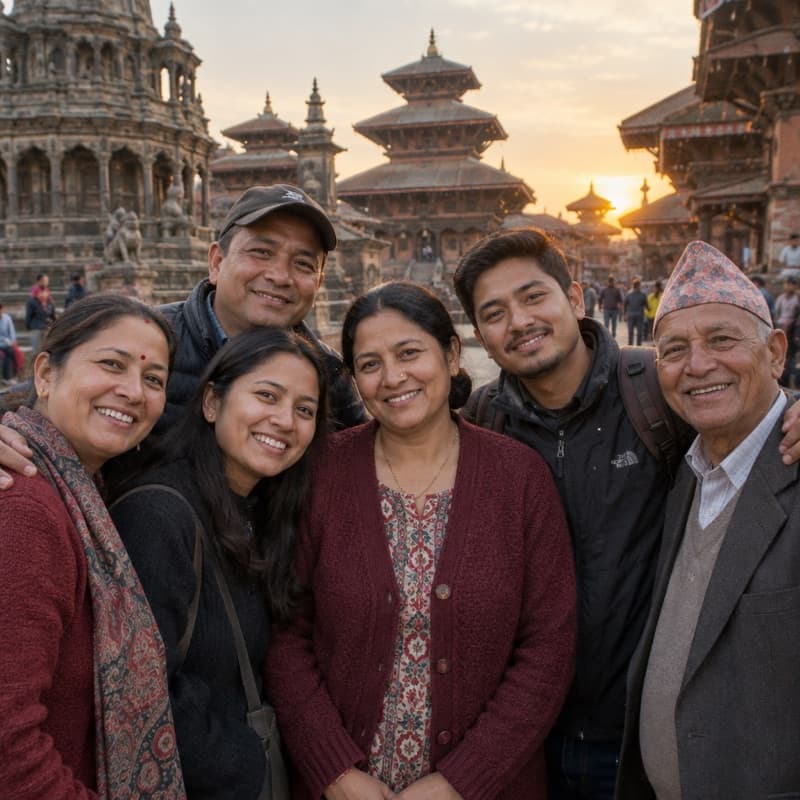
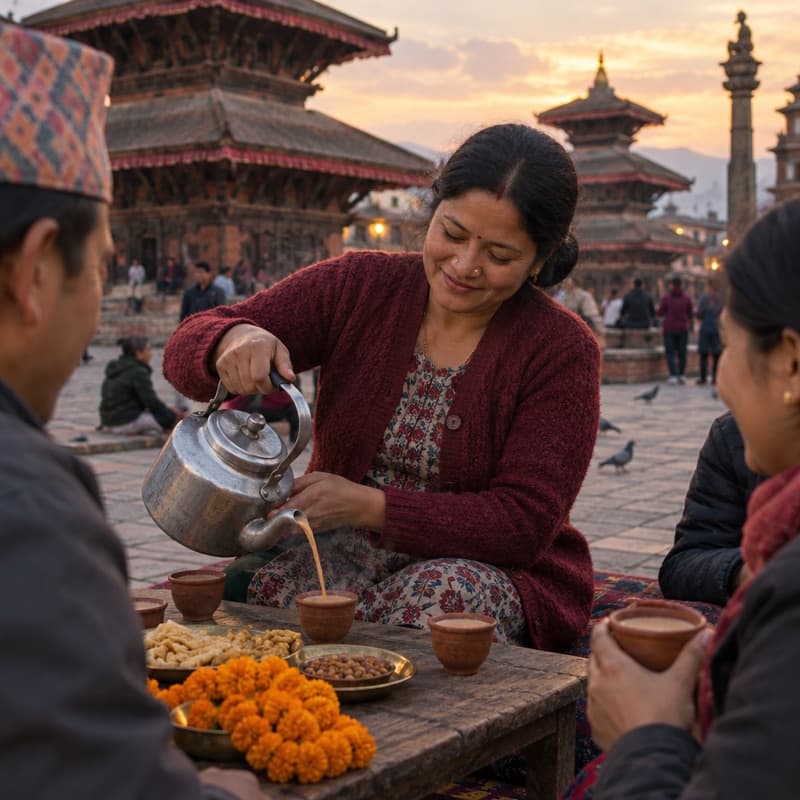
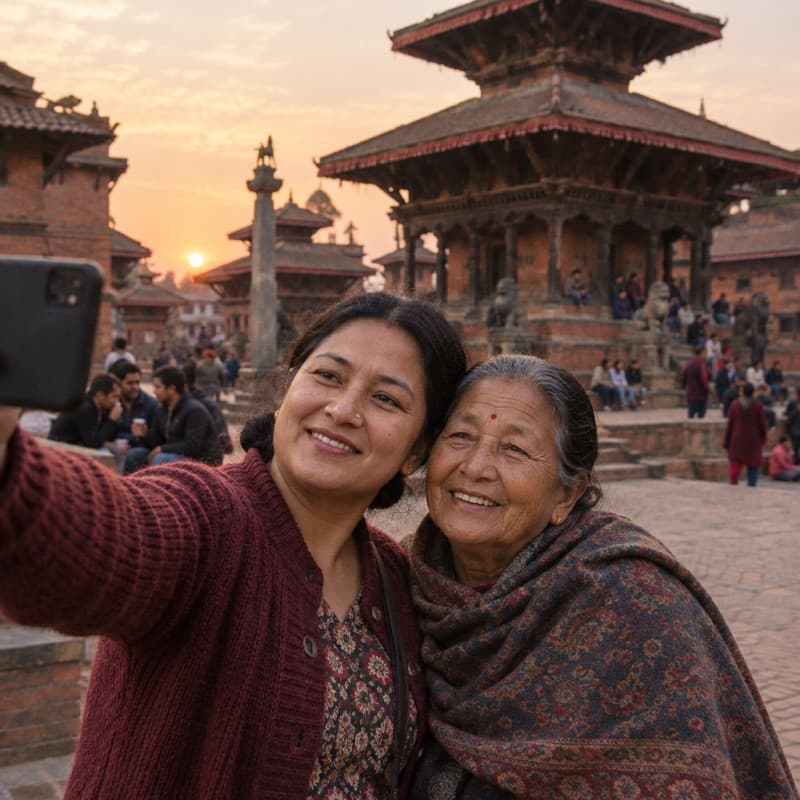
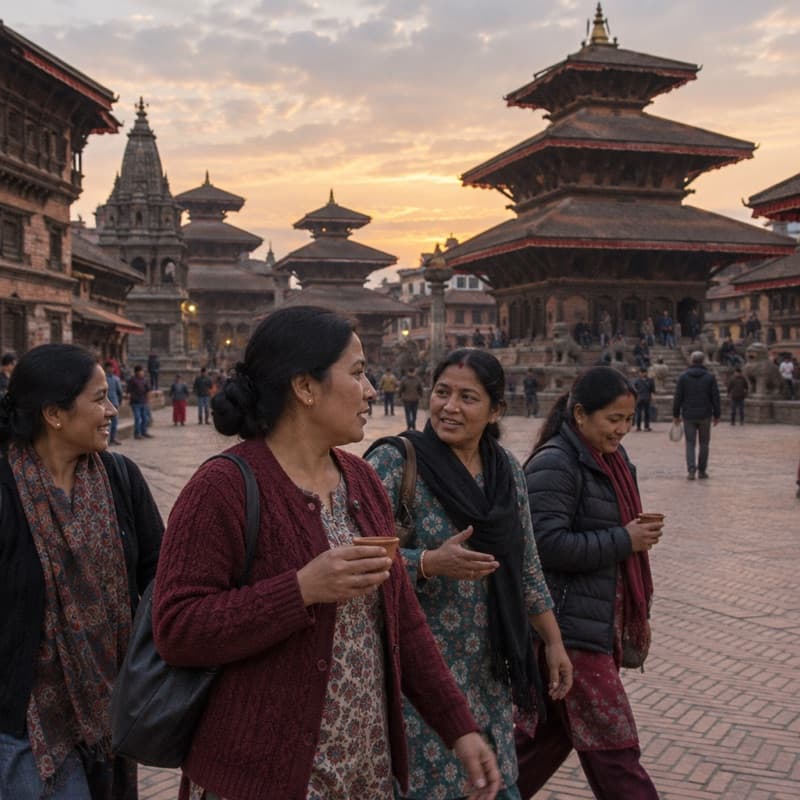
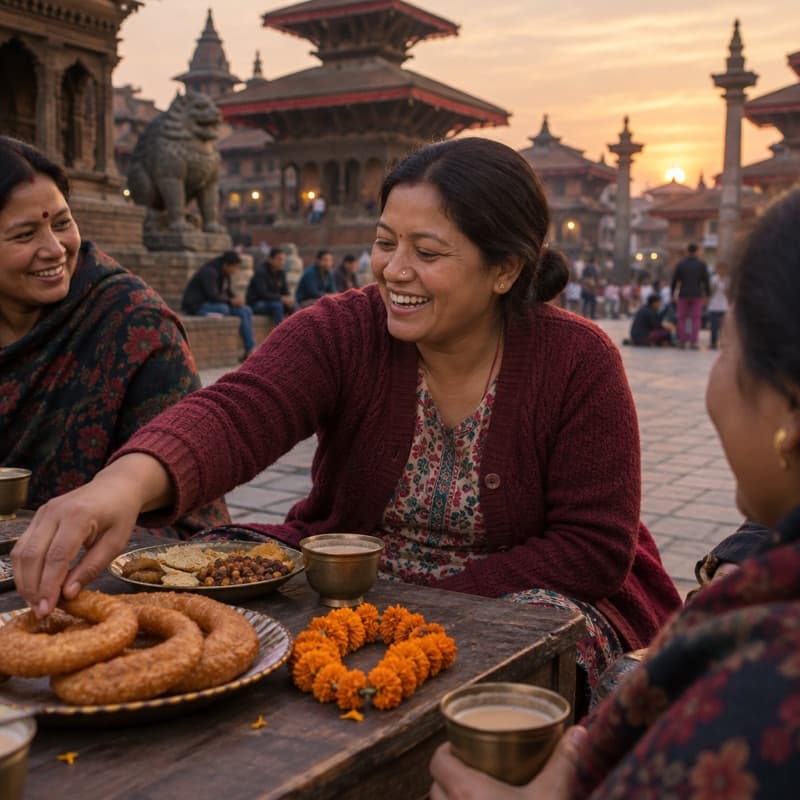
Overview
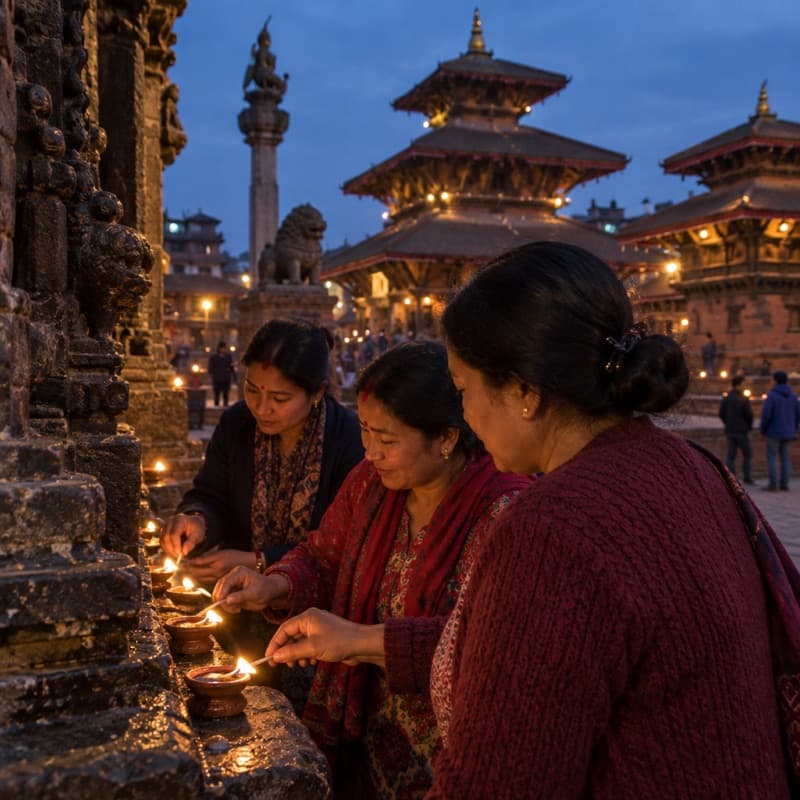
After every wedding, puja or meetup, the photos end up everywhere: a photographer’s drive, a dozen group chats, phones that never share. With Event photos the host uploads them once, and every guest finds the ones they’re in with a single selfie, without scrolling through hundreds of other people’s pictures.
How it works
- 1
The host uploads the photos
From the event’s Manage page: the photographer’s set and any photos guests sent, as JPEG or PNG.
- 2
Mela finds the faces
The faces in each photo are found in the background, so the host can keep uploading.
- 3
Guests find themselves
A guest who is going takes a selfie, and Mela shows them every photo they’re in.
One album. Every photo.
The host adds the whole set from the event’s Manage page: the photographer’s shots and any photos guests sent in, up to 25 MB each. Mela finds the faces in each one in the background and shows when it’s done.
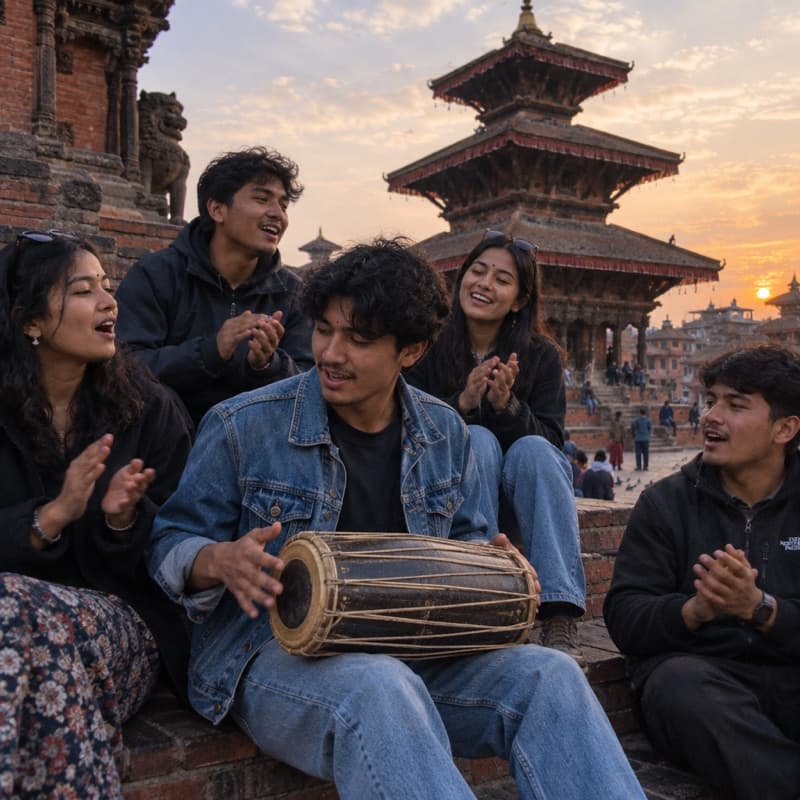
One selfie finds you.
Guests who are going tap Find my photos and take a selfie. Mela matches it to the faces in the event’s photos and shows them every photo they’re in. Only close matches count, so nobody is shown someone else’s photos.
Your photos stay yours.
Only you and the event’s hosts see the photos you’re in; other guests never do. Your selfie photo isn’t kept unless you save it for future events. A face signature stays with this event so photos added later can find you and only you can search for yourself, until you remove your selfie. Remove your selfie from an event, or your saved selfie, whenever you like.
Also included
Save your selfie, if you like
Save it after your first search and your next events can find you with one tap. New selfies must match it, and you can remove it in Account settings.
Only for guests going
Guests who are going can find their photos in an event; nobody else can search it.
Book the photographer here too
Photographers and videographers can be booked on Mela’s services marketplace.
Event photos, in short.
- Event photos on Mela matches guests to an event’s photos by face, using a selfie.
- Hosts upload an event’s photos as JPEG or PNG, up to 25 MB each.
- Each guest sees only the photos they’re in; other guests never see them.
- A guest’s selfie photo isn’t kept unless they save it for future events; a face signature stays with the event so photos added later can find them and only they can search for themselves, until they remove their selfie.
- Guests can remove their selfie from an event, and delete a saved selfie, at any time.
Questions, answered.
Still unsure? Make a test event: it’s free, and you can keep it private.
Open the event, tap Find my photos and take a quick selfie or choose a photo of yourself. Mela shows you the event’s photos you’re in. You need to be going to the event.
Not unless you choose to. After your first search you can save your selfie for future events, and remove it any time in Account settings. Otherwise your selfie photo isn’t kept. A face signature stays with this event so photos added later can find you and only you can search for yourself, until you remove your selfie.
You and the event’s hosts. Other guests only ever see the photos they are in themselves.
From the event’s Manage page, under Photos. Hosts upload JPEG or PNG photos up to 25 MB each, and Mela finds the faces in them in the background.
Yes. Tap Remove my selfie on the event page and Mela forgets the photos it found of you there. You can’t add another selfie to that event.
More ways Mela helps you host
- Free event pagesA page for your event, and one link to share it.Learn more
- RSVPs and waitlistsGuest limits, approvals and a waitlist that moves up by itself.Learn more
- QR code check-inScan guests in at the door with your phone’s camera.Learn more
- Guest group chatOne chat for everyone going, without swapping numbers.Learn more
- AnnouncementsUpdates for your guests, sent to the right people.Learn more
Host your next event on Mela.
Free for every host. Create an event, send one link, and see who’s coming.